
This is a legacy article. While the troubleshooting steps are valid for 4th Gen Tablo DVRs, the error messages shown are for Legacy Tablo devices.
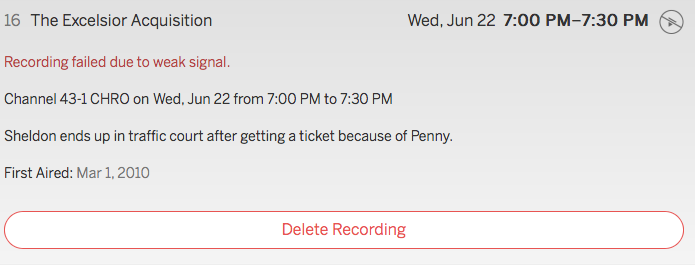
If your Tablo is unable to successfully record a scheduled airing, the recording will fail. If this happens, the failed recording will display in the Tablo app with a failure message specifying how/why it failed.
For example:
The most common reasons for failed recordings are:
Inclement Weather
OTA (over-the-air) reception is affected by the weather. You can make it more robust by improving it.
Also, see this article for further advice on improving reception and even Wi-Fi connection.
No Hard Drive Present
If the hard drive is removed, your Tablo has nowhere to save the recording. Your Tablo will still show you the failed recording and an error message.
USB Disconnects
If your hard drive or its cable is damaged or corrupted in any way, this can cause USB disconnects between your Tablo and the drive. If these kinds of disconnects occur during the recordings, they can cause the recording to be split in multiple pieces. In some cases, this can cause the recording to fail entirely. To prevent this from happening, try replacing your USB hard drive or its cable.
4th Generation Tablo DVRs, as well as the legacy Tablo DUAL 64GB and DUAL 128GB models, all have internal drives. If your external drive fails, your recording should revert back to internal one. If your internal drive fails, contact Tablo Support.
SATA Drive Needs To Be Reseated:
If you have a Tablo QUAD DVR, you may have to reseat its SATA drive. To do so, follow these instructions, but rather than replacing your SATA drive, simply put it back in.